
Lite
A starting point for exploring studio scenes and your first creative directions.
$9.90/ month
2,000 credits per month
- Two portrait inputs with left and right assignment
- Scene notes for the performance direction
- 9:16 and 16:9 frame choices
Turn two portraits into an AI rap video. Choose a studio style, set the scene, and take the mic.
Create an AI rap videoFour original AI rap videos
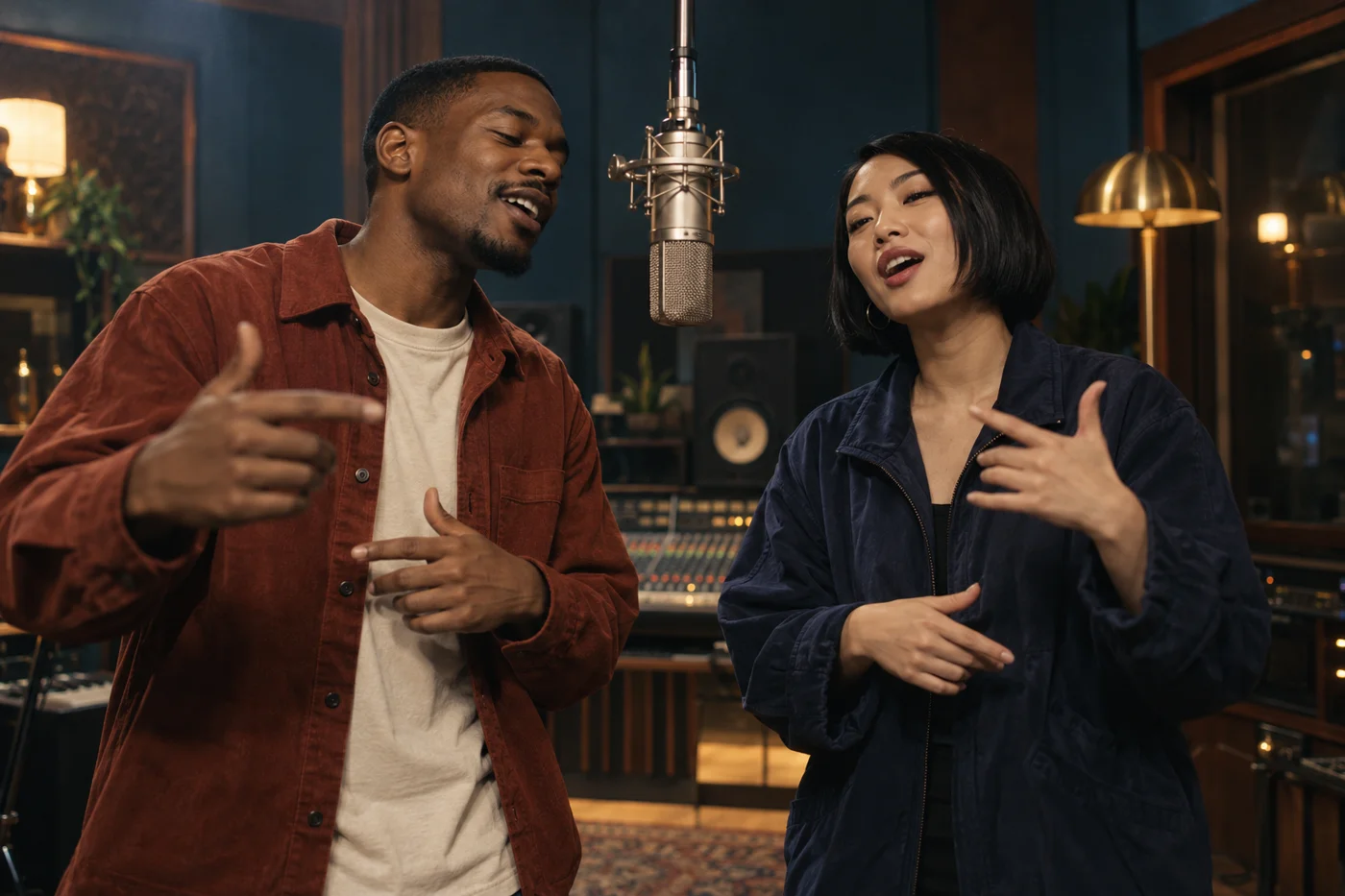
Original scene concept. Your generated video will appear here.
See four original AI rap video examples. Explore warm studio light, a rehearsal room, birthday energy, and a close-up performance. Choose a scene to start your direction.
Build an AI rap video around close portraits and focused studio light. Use relaxed shoulders, subtle gestures, and a steady camera.
Give both performers space in a shared rehearsal studio. A wider composition keeps the microphones and studio setting in view.
Choose a confident, camera-facing performance. Simple gestures, a shared microphone, and warm studio light bring the pair together.
Make a friend the star of a birthday double act, with playful expressions, warm light, and a partner in the frame.
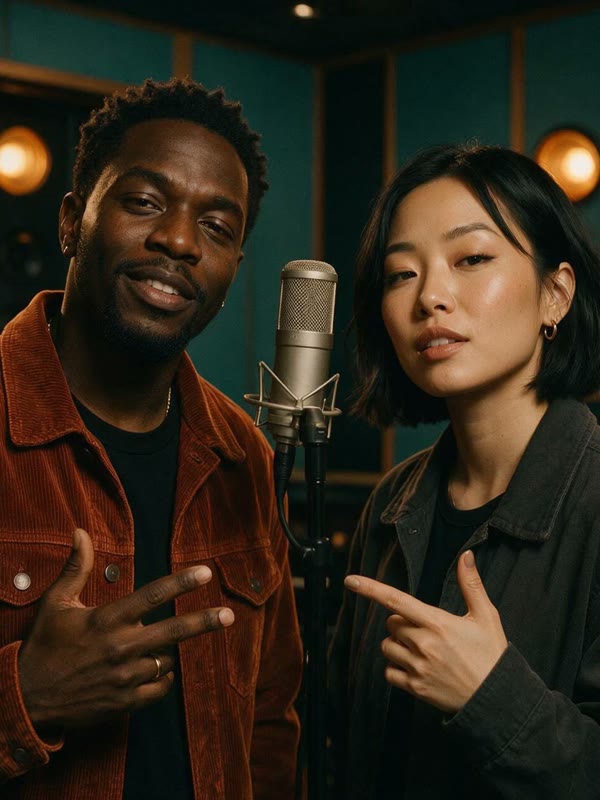
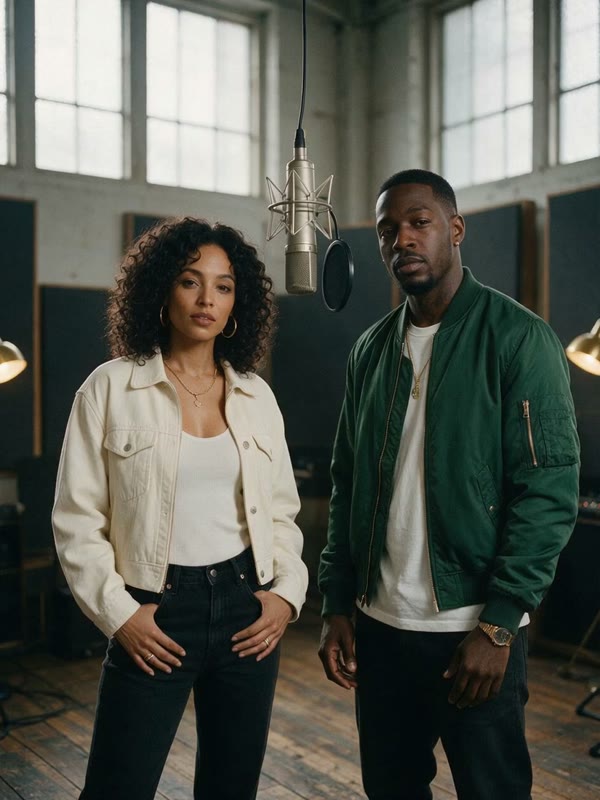
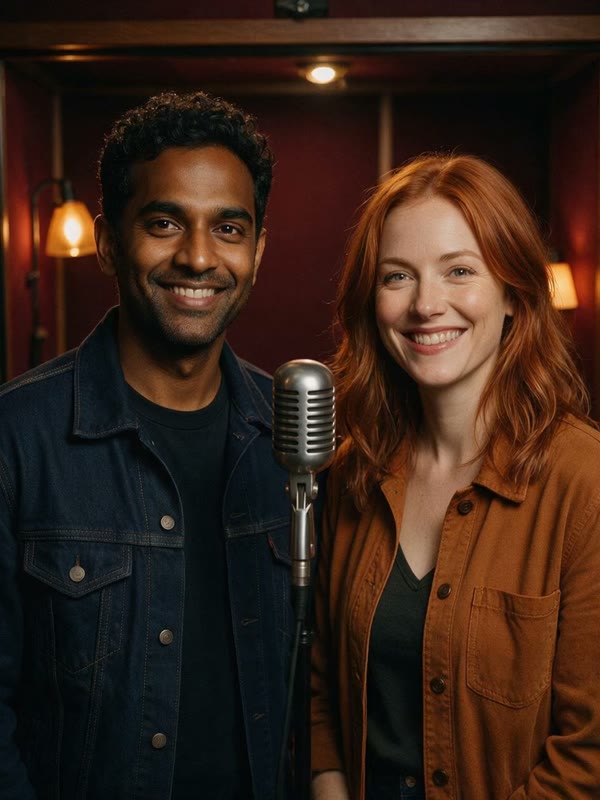
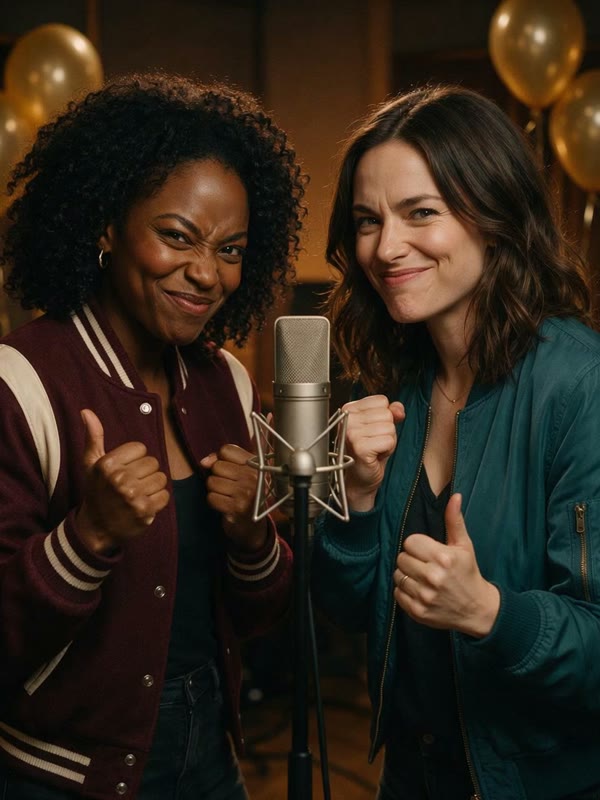
Original studio artwork, animated into four AI rap video examples.
Pair two portraits with one scene direction. Add performance notes and choose a frame format in the generator.
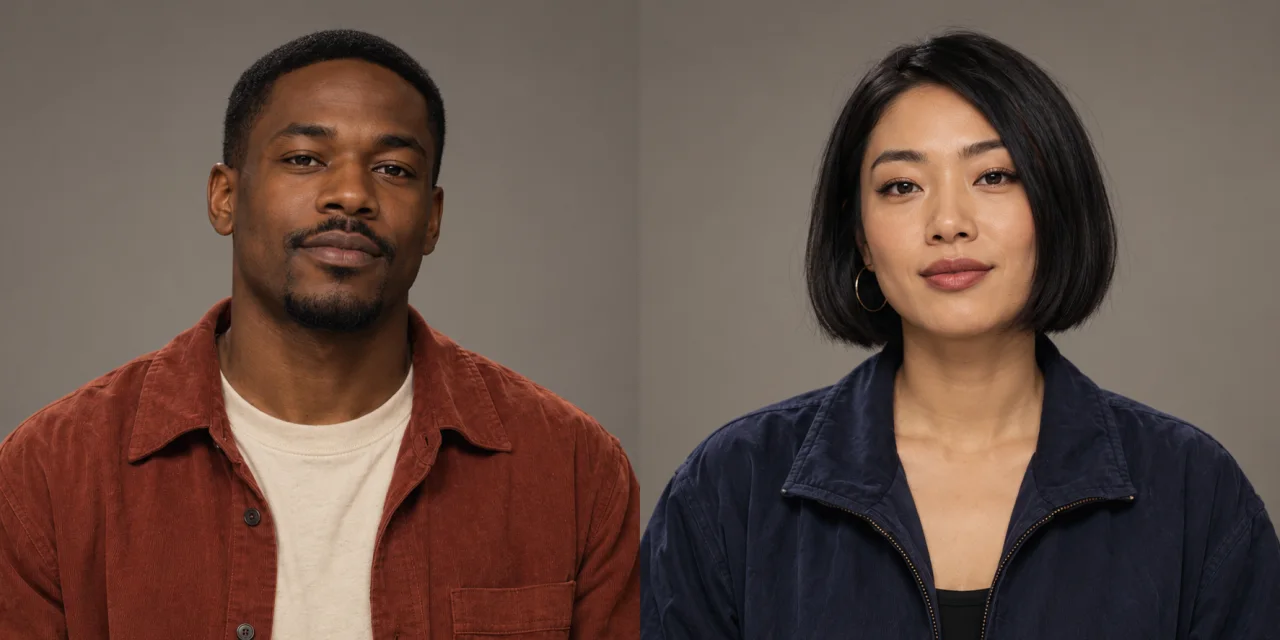
Upload one clear portrait for each performer. For an AI rap video, visible faces and similar shoulder crops make a balanced starting point.
Give your AI rap video an attitude and one camera instruction. Keep the prompt short.
Play your AI rap video, watch both characters, and save a take for your own edit.
Explore a visual identity before planning a larger shoot. Use the studio scene as a character study, a social post idea, or a starting point for your own edit.
Try an AI rap video with calm confidence, playful energy, or a dramatic entrance.
Make an AI rap video part of your own visual story. Pair the studio scene with captions, cutaways, or music in your editor.
See how a portrait or landscape canvas changes the composition. Keep both performers in the frame, then apply the format to your scene.
Composition study. Your generated video may frame the performers differently.
Choose two clear portraits with readable expressions and shoulder detail. Similar crops balance the pair while leaving room for different clothes, hairstyles, and attitudes.
For an AI rap video, use even lighting, visible eyes, and natural facial detail.
Give an AI rap video shoulder space. Keep the chin and head inside the crop.
The AI rap video workflow uses two separate portraits. Confirm left and right positions, or visit the duo page for detailed photo advice.
Decide who the pair are, where the scene belongs, and what energy they bring. Let the lighting, frame, and gestures support that idea.
Give your AI rap video warm confidence, birthday playfulness, or late-night calm.
Set your AI rap video to a vertical 9:16 or landscape 16:9 direction. Vertical framing suits a close shared performance; landscape gives the studio more room.
Give an AI rap video energy through confident expressions and simple gestures.
Keep the portraits consistent while changing lighting or attitude. Related takes can help you find a signature studio look.
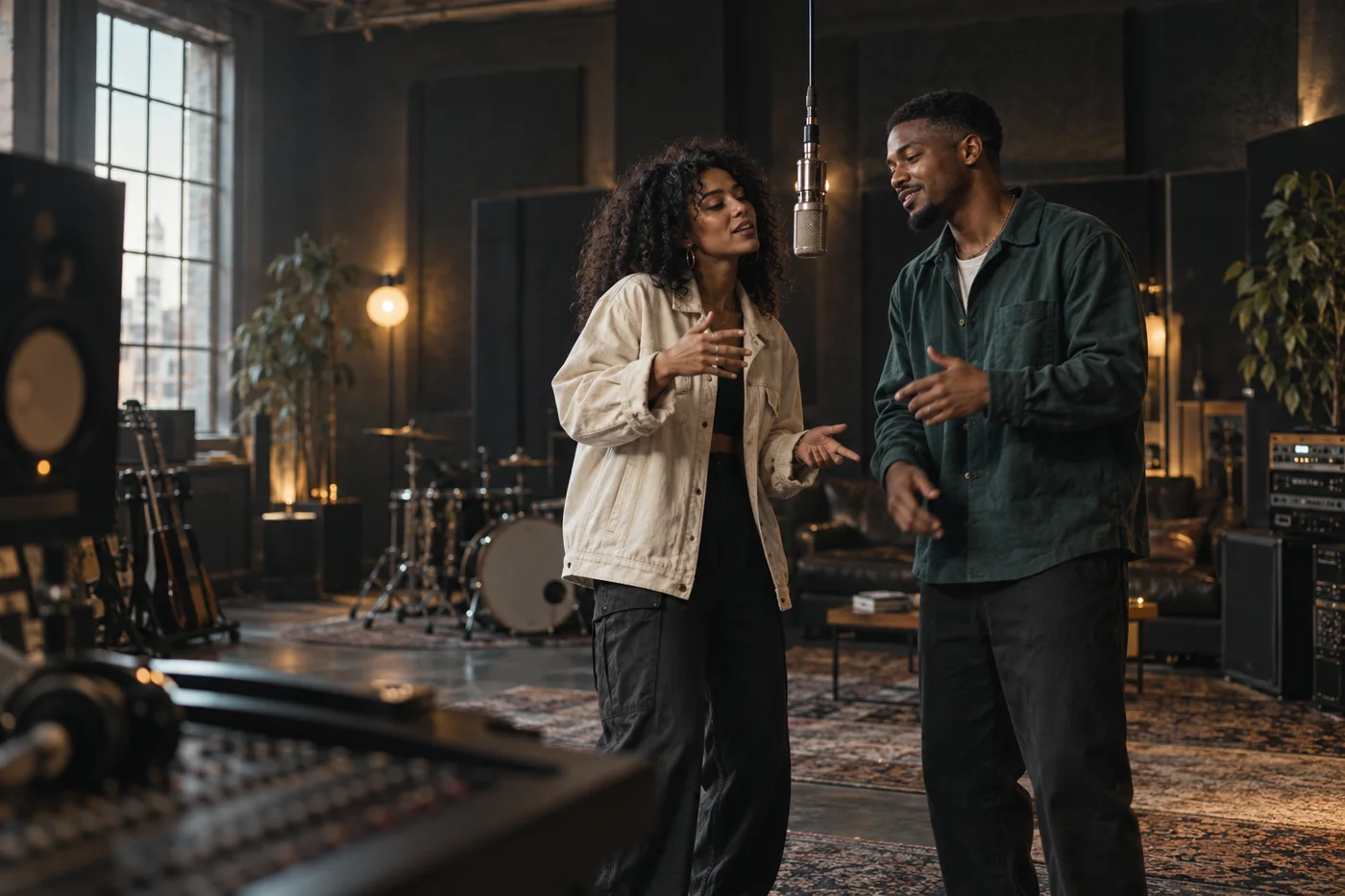
Concept artwork
An AI rap video is a generated performance scene guided by photos and a creative description. The focus is the characters, setting, and movement. Review every result carefully.
The current studio duo direction needs two separate portraits, one for each performer. Choose clear faces with similar head and shoulder crops, and check the left and right previews before generating. Use photos you have permission to upload.
This page focuses on visual performance. Original songs, voice cloning, and exact lyric synchronization are not promised. Check returned audio, and add only music you own or are authorized to use.
Motion can introduce inconsistencies, especially with obscured faces, complex gestures, or busy backgrounds. Try clearer portraits and simpler actions. Inspect the entire clip, including transitions, before using it.
Yes. These four examples were generated from original studio artwork. They show different lighting, framing, and performance styles. Your result will depend on the portraits and scene you choose.
Watch the complete AI rap video, including both faces and any audio. Check the frame and captions in your intended app. Use appropriate photo and music permissions, and give fictional performances suitable context when sharing.
Explore the planned monthly plans for creating photo-based studio performances.
Planned monthly pricing. Purchases are not open yet.
A starting point for exploring studio scenes and your first creative directions.
$9.90/ month
2,000 credits per month
More room to explore different pairs, scene notes, and performance styles.
$19.90/ month
4,800 credits per month
A larger monthly credit allowance for a broader collection of scene ideas.
$39.90/ month
10,000 credits per month
Current request: 1,000 credits for 5 seconds at 720p. Availability is shown before submission; these are requested settings.
Choose two portraits, find a studio scene, and add the energy you want. Your AI rap video starts with a pair of characters and a clear idea for their shared performance.