 AI Rap Video
Keep faces unobstructed
Use sharp, well-lit adult portraits. Avoid sunglasses, heavy filters and microphones covering the mouth. Similar camera heights make the pair easier to frame.
Small-room performance ideas
Bring the close-up energy of a desk concert to your next video. Plan the room, frame your duet and make a short performance with an original rap.
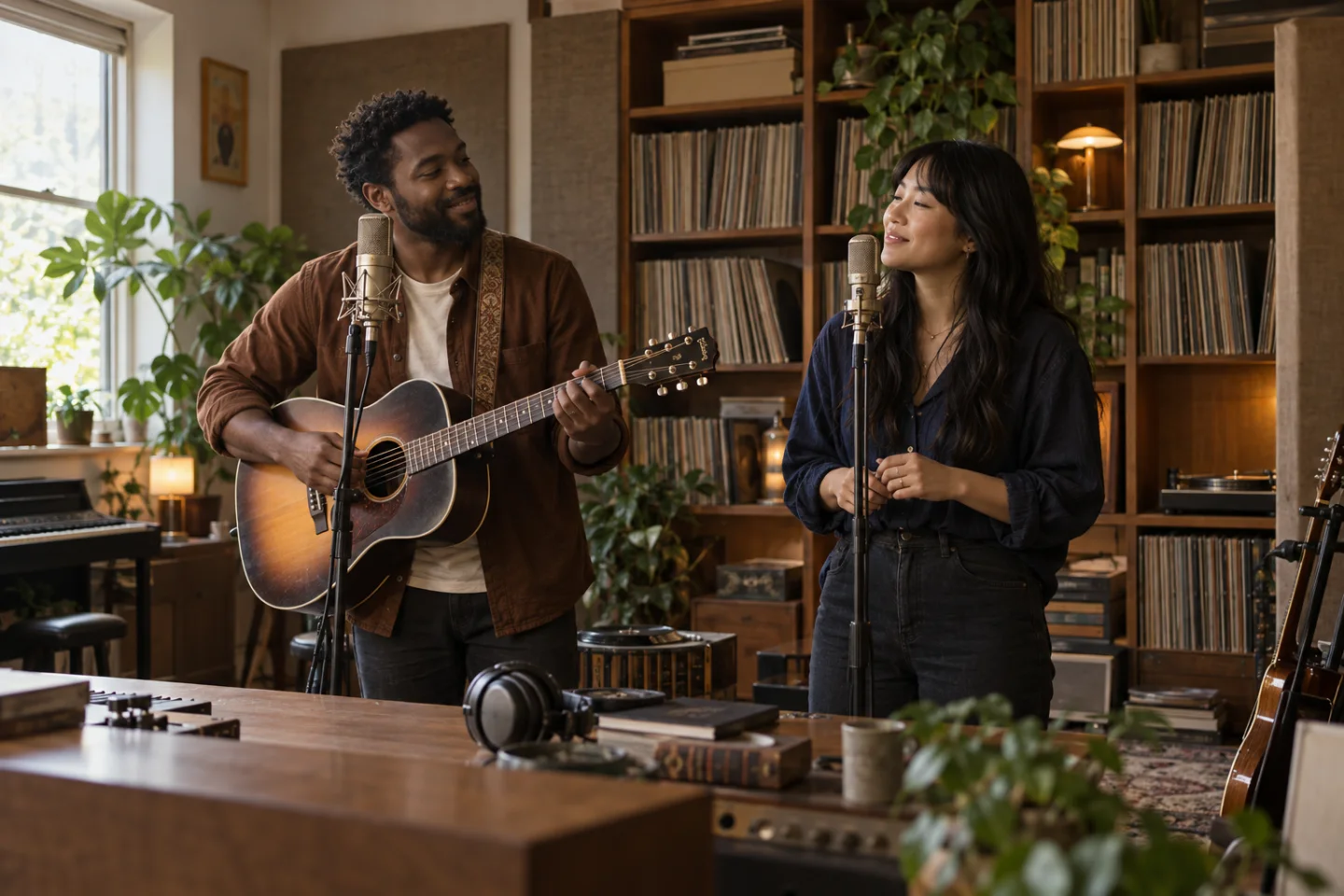
Tiny Desk is NPR’s live concert series. Searches for Tiny Desk AI also lead to fan-made videos that put new faces into a desk-concert scene, including the “Outstanding” performance meme. These can be reference-video edits or newly generated scenes; they are different workflows.
This page helps you plan an original small-room performance. Our generator makes a two-person rap in a supported studio setting, using your portraits, your topic and newly generated audio.
Explore NPR’s Tiny Desk ConcertsIndependent creative guide. Not affiliated with NPR, Tiny Desk or any featured artist.
A 12-second, two-person rap with original AI vocals and music. Choose Studio Booth, a duet style and English or Mandarin lyrics. Sign-in and a paid video allowance are required.
Replacing the cast of an existing concert, recreating the Outstanding clip, importing its soundtrack or arranging a full band. There is no dedicated desk-stage preset; exact desks, props and camera cuts are not guaranteed.
Choose a direction and edit its visual brief. Copy it for your storyboard or a tool that accepts scene prompts. The rap generator below uses supported stage settings and a separate short lyric topic.
The scene can be intimate without making the faces small. Start with photos that give each performer a clear place in the frame.
Use sharp, well-lit adult portraits. Avoid sunglasses, heavy filters and microphones covering the mouth. Similar camera heights make the pair easier to frame.
Upload one portrait per performer, or one photo showing both adults. In a shared photo, separate the faces clearly and keep the left/right order you want.
Use 9:16 for a vertical feed, 1:1 for a square post or 16:9 for a wider two-person scene. Keep shoulders and hands away from the crop edges.
Short exchanges and small gestures are easier to review than crowded choreography. Check both faces, hands and mouth timing before publishing.
Use photos of consenting adults. Each JPG, PNG or WebP must be at most 2 MB and pass the image checks shown in the form.
Choose Studio Booth and Duet, Birthday or Couple. Add a personal topic of up to 240 characters, such as an inside joke or a shared milestone. Visual briefs belong in your planning notes, not the lyric-topic field.
Confirm the format, language and displayed allowance before generating. Review the completed clip for likeness, movement and audio. Mark it as AI-generated when sharing.
Use the existing rap generator below. It creates a studio performance with original audio; it does not edit NPR footage or apply a Tiny Desk face-swap template.
See video packs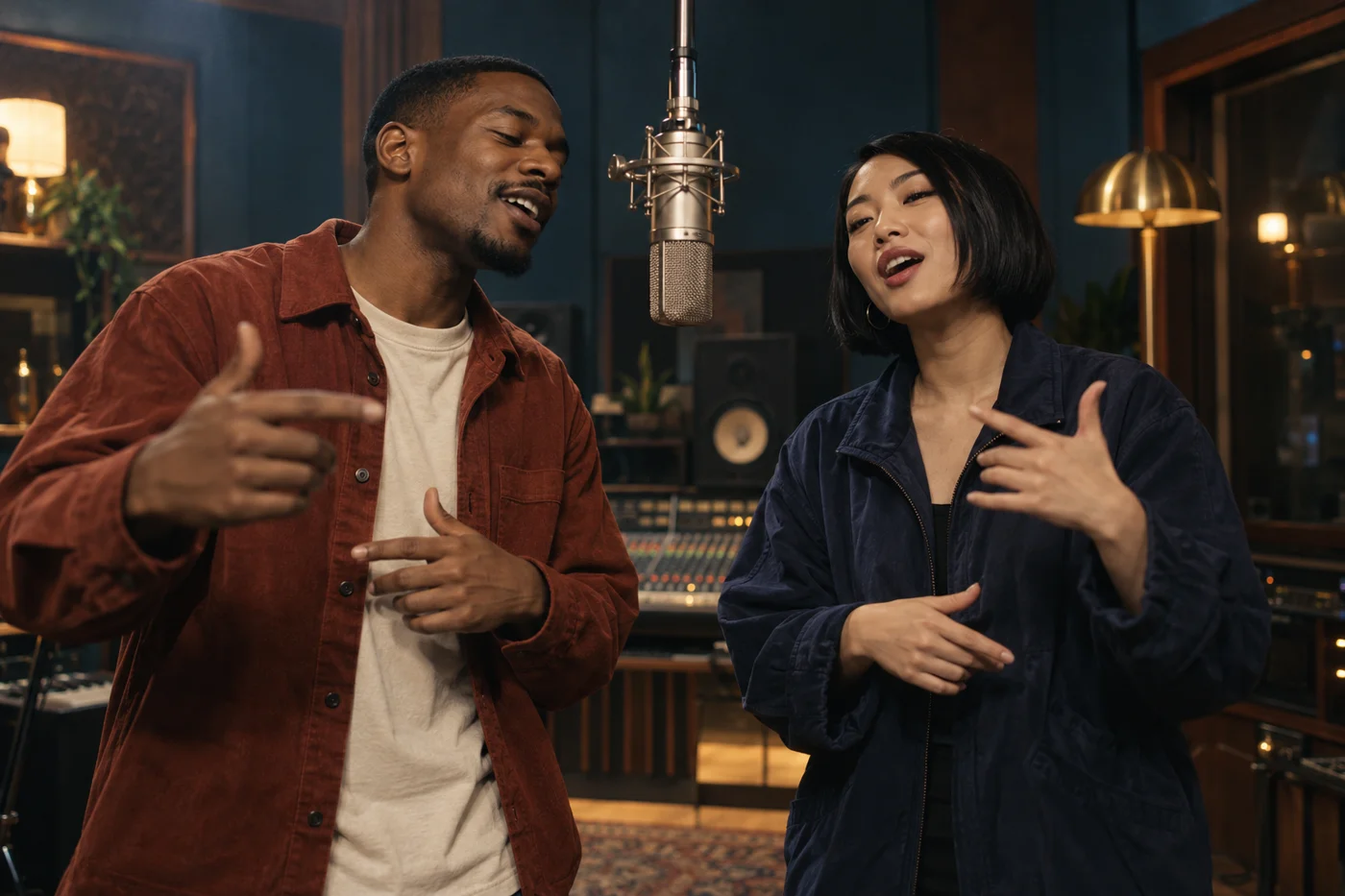
Original scene concept. Showcase media was produced separately; your new video will appear here.
No. This generator creates an original two-person rap from portraits. It does not accept a reference concert video or replace people in the Outstanding performance. The scene planner is a creative guide, not a face-swap tool.
The image and editable briefs illustrate a visual direction. Our available Studio Booth setting asks for a warm recording studio with microphones. It does not guarantee a particular desk, room layout, instrument performance or camera sequence.
This form generates new rap vocals and music. It has no song-upload, licensed soundtrack, voice-cloning or exact lyric-timing feature. If you add audio later in an editor, use music you have permission to publish.
The rap workflow is designed for two consenting adults. Upload two separate portraits or one shared photo showing both people. It is not a five-person band or a solo replacement workflow. Use JPG, PNG or WebP files up to 2 MB each.
Reading the guide and using the visual-brief planner are free. Generating a rap video requires sign-in and a paid video allowance. Review the current one-time packs and the cost shown in the generator before submitting.
Watch both faces and hands, listen for clear audio and check the timing of mouth movements. AI results vary and a new attempt may use another video allowance. Share only with the performers’ permission and label the clip as AI-generated.