
Lite
A starting point for exploring studio scenes and your first creative directions.
$9.90/ month
2,000 credits per month
- Two portrait inputs with left and right assignment
- Scene notes for the performance direction
- 9:16 and 16:9 frame choices
Create an AI rap duo from two portraits. Pick a shared stage and give both performers room to shine.
Create an AI rap duoFour original AI rap videos
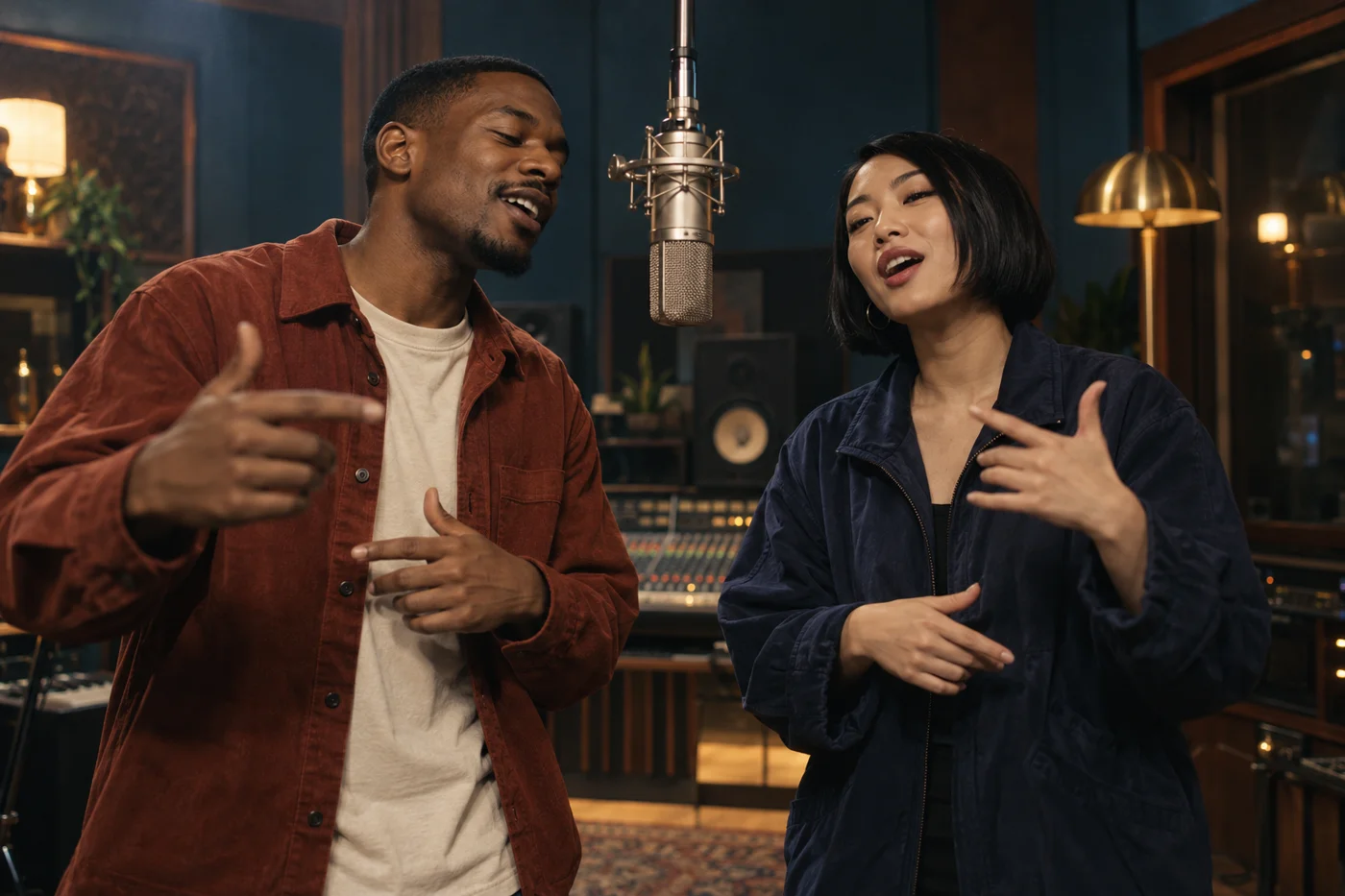
Original scene concept. Your generated video will appear here.
Explore four original AI rap duo scenes. Compare shared microphones, gestures, and lighting, then choose a direction for the generator.
Begin an AI rap duo with similarly sized performers under shared lighting. Keep a gap between their heads and a quiet background.
Give an AI rap duo room for relaxed shoulder movement. A wider studio frame keeps both faces, the microphones, and the setting visible.
Choose a confident, camera-facing pair. Simple gestures, a shared microphone, and warm light give the performance a direct feel.
Give a friend a birthday spotlight with playful expressions, warm studio light, and a partner in the frame.
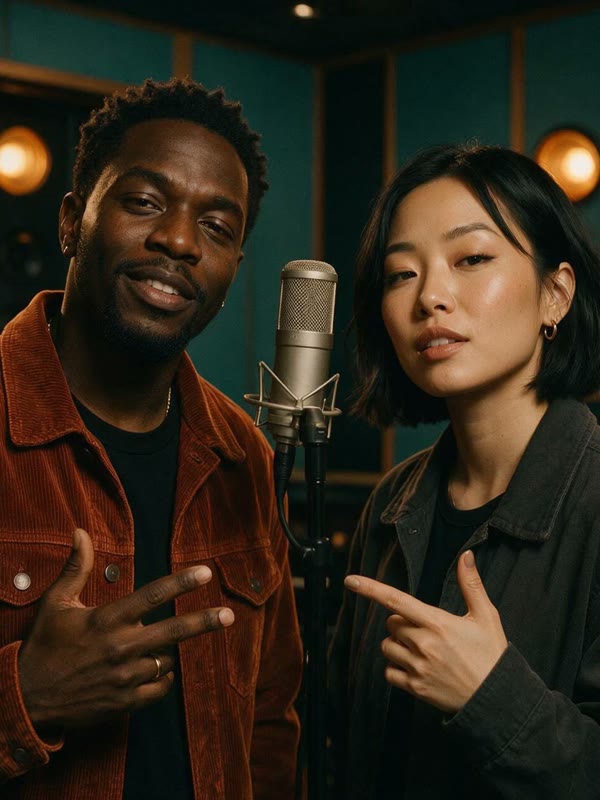
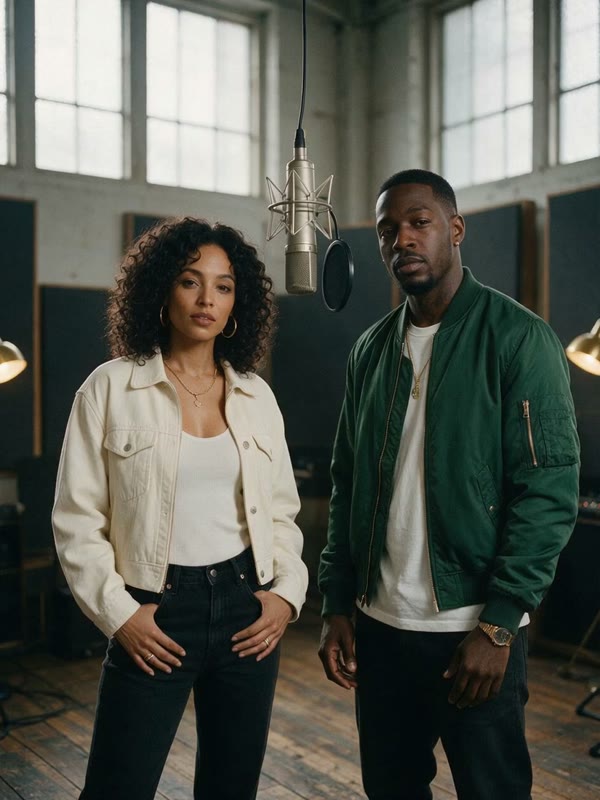
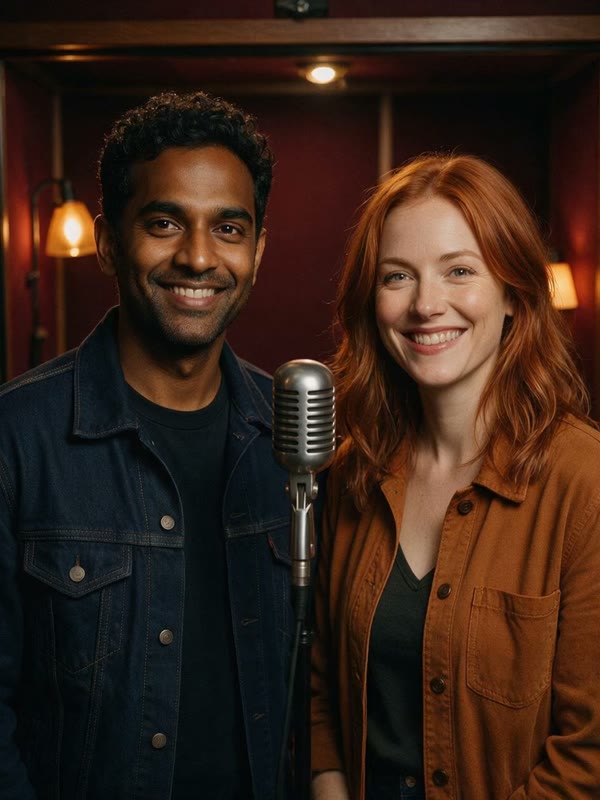
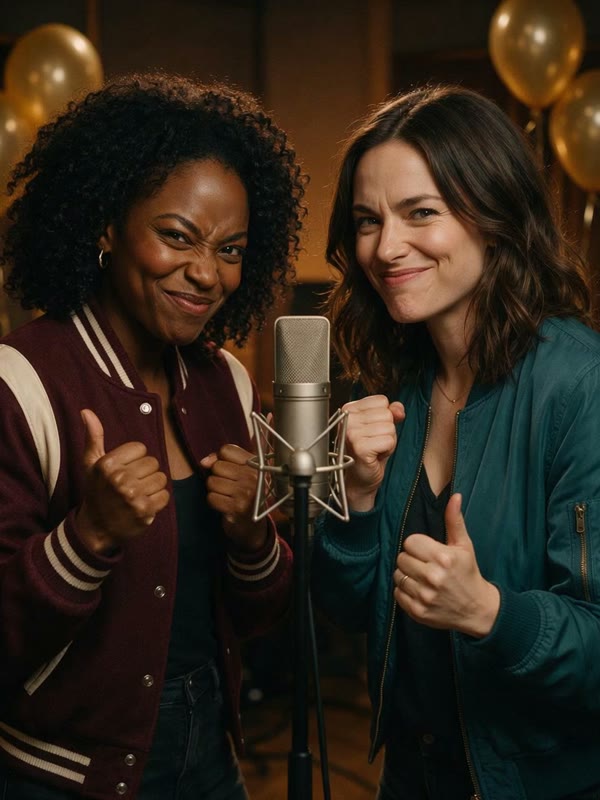
Four original AI rap duo clips, generated from our own studio artwork.
Give each performer a clear role. Match the portraits, assign the sides, and choose gestures that share the spotlight.
Choose one portrait for each person in your AI rap duo. Similar detail and shoulder framing make it easier to imagine the pair together.
Check the AI rap duo previews. Assign left and right, then use swap if needed.
Watch how your AI rap duo shares the frame. Notice the expressions, posture, and space between the performers.
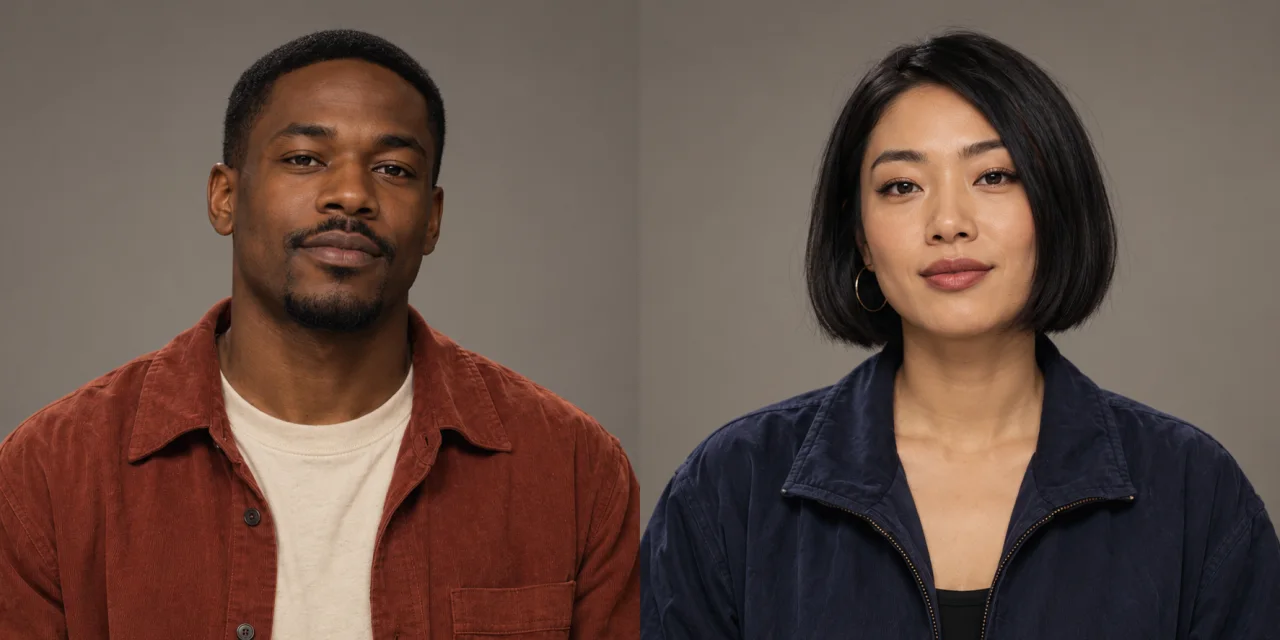
Choose one lighting direction and camera style, so both performers feel part of the same setting.
Your AI rap duo can pair a relaxed performer with a more animated partner. Describe small, distinct gestures rather than two competing lists of actions.
For an AI rap duo, a steady camera is a useful first choice. Establish a shared position before trying complex motion.
See how a portrait or landscape canvas changes the composition. Keep both performers in the frame, then apply the format to your scene.
Composition study. Your generated video may frame the performers differently.
An AI rap duo starts with two equally clear portraits. Similar framing and lighting make it easier to describe a balanced pair.
Prepare your AI rap duo portraits with similar head and shoulder proportions. Leave room above each head and around the shoulders.
For an AI rap duo, light both faces clearly. Avoid combining deep shadow with harsh glare.
Keep the AI rap duo faces distinct: clear eyes, unobscured features, and separate portraits. Different styling and expressions add character.
Give the pair a relationship that reads through posture and expression. Small choices can make them feel relaxed, competitive, celebratory, or quietly confident.
Give your AI rap duo balanced presence, or pair a calm lead with a gesturing partner.
Give your AI rap duo a clear gap between the heads. Start side by side with small gestures; overlapping faces and crossed arms add complexity.
Leave enough width for both AI rap duo faces and shoulders. Requested 9:16 framing may vary; preview the returned clip before adding captions.
Keep portraits and positions consistent while exploring warmer lighting or a darker studio mood.
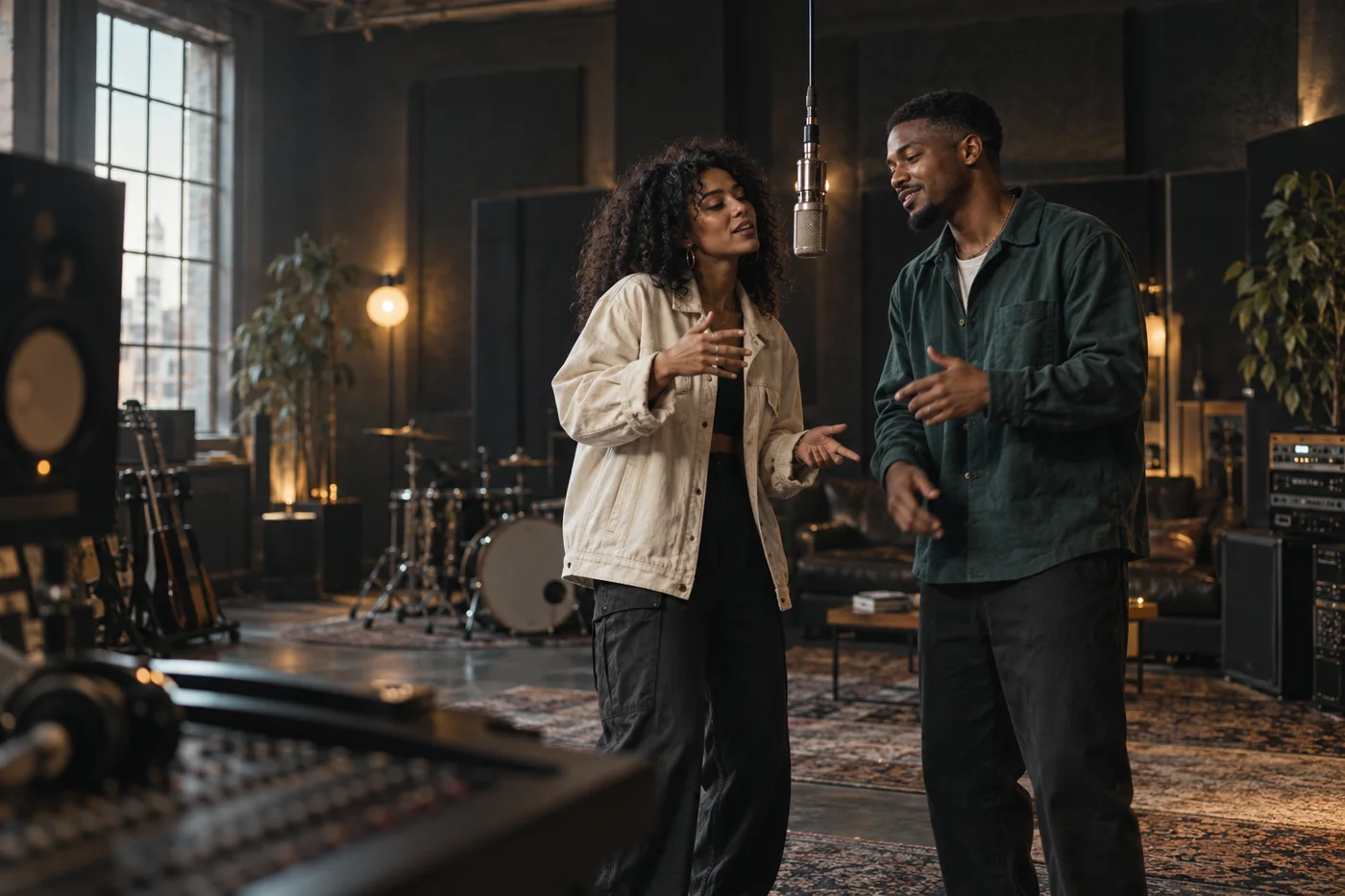
Concept artwork
An AI rap duo is a generated performance concept with two intended characters sharing a scene. This page helps you prepare separate portraits and describe their positions. It does not promise exact identity preservation, lyric synchronization, or a finished music recording.
Separate portraits help identify the two people and compare their crops. Prefer one readable face per input. If you start with a group photo, crop each performer into a separate image before uploading.
Use swap beside the portrait previews, then check the left and right labels. Keep your prompt consistent with the new arrangement. Verify the positions again in the returned video.
Large crop differences, obscured features, or complex movement can make two person generation less consistent. Try matched portraits, clear lighting, and a simpler scene.
You can describe alternating energy, but precise turn taking and mouth movement are not verified promises. Inspect the shared scene, and assess any exact musical timing separately in your editor.
Watch your complete AI rap duo and make sure both performers remain visible. Check the actual framing and any audio before editing. Use appropriate photo and music permissions, and give fictional scenes suitable context when sharing.
Explore the planned monthly plans for creating photo-based studio performances.
Planned monthly pricing. Purchases are not open yet.
A starting point for exploring studio scenes and your first creative directions.
$9.90/ month
2,000 credits per month
More room to explore different pairs, scene notes, and performance styles.
$19.90/ month
4,800 credits per month
A larger monthly credit allowance for a broader collection of scene ideas.
$39.90/ month
10,000 credits per month
Current request: 1,000 credits for 5 seconds at 720p. Availability is shown before submission; these are requested settings.
Start your AI rap duo with matched portraits and clear positions. Choose a studio scene where both performers can stand out.